Laser Engraver Buyer’s Guide for Beginners: CO2 Laser vs. Fiber vs. Diode Lasers
2026-09-29
If you’re new to laser engraving, the biggest decision isn’t brand or power rating — it’s choosing the right laser source. CO2, fiber, and diode lasers behave very differently, work on separate material sets, and fit distinct budgets. Many beginners waste money buying a machine that cannot handle their target projects. This guide breaks down each laser type, Advantages & Disadvantages, ideal use cases and common pitfalls to help you see why the CO2 laser engraver stands out as the top all-around choice for most new shop owners.
1.Diode Laser
Diode lasers use semiconductor chips, usually blue 450nm wavelength. They are compact, low-cost, plug-and-play entry-level machines for hobbyists and casual makers.
Advantages
- Low upfront cost, small footprint, easy to install
- Minimal maintenance, long diode lifespan over 10,000 hours
- No warm-up time, simple software workflow for beginners
- Great for engraving wood, leather, paper, slate, dark plastics and painted/anodized metal
Disadvantages
- Limited power (5-20W); only cuts thin wood, multi-pass needed for depth
- Poor performance on clear acrylic, glass and reflective bare metal
- More burn marks and rougher edge finish compared to CO2
- Not suitable if you plan to scale from hobby work into paid small-batch orders
Best for: Pure hobbyists, home casual projects only, low-volume simple engraving.
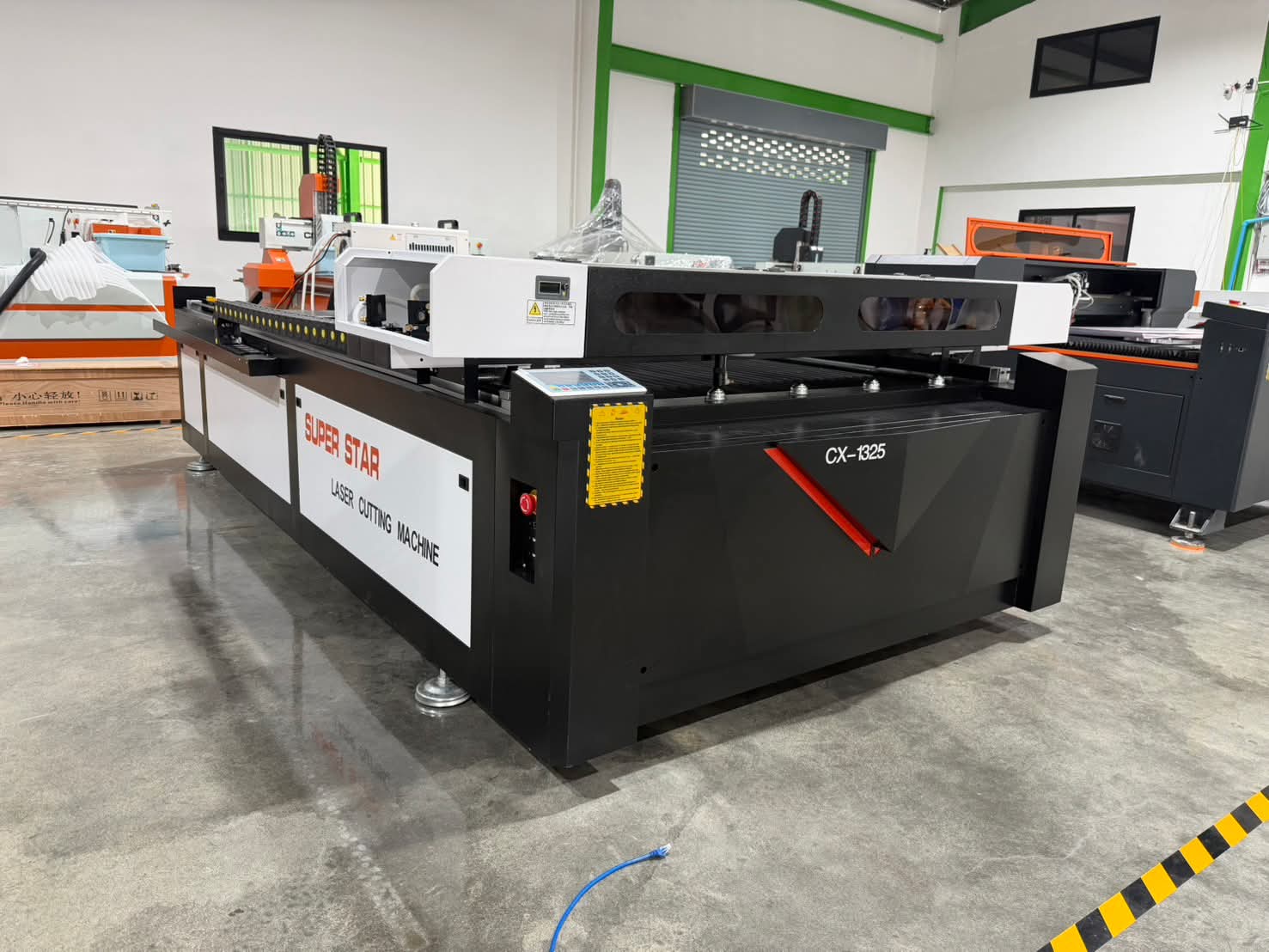
2.CO2 Laser
CO2 lasers generate a 10.6μm far-infrared beam inside a gas tube. It is the most versatile all-rounder for non-metal cutting and engraving, and our top recommendation for beginners planning to start or grow a small craft business.
Advantages
- Outstanding clean edge quality for wood, clear acrylic, leather, fabric, rubber and stone
- Handles both deep engraving and precise cutting in one machine
- Wide power range (40-150W), scalable from desktop to production size
- Supports nearly all popular craft materials, unlocks more product ideas for sales
- Mature, proven technology with abundant community tutorials and easy spare parts sourcing
- Perfect for signage, custom decor, gift crafts, plywood fabrication and personalized merchandise
Disadvantages
- Larger footprint than compact diode machines; needs exhaust ventilation
- Gas tube has limited service life, periodic tube replacement required
- Bare metal marking only possible with marking spray; cannot etch raw metal directly
- Lower energy efficiency than fiber lasers
Best for: Small craft business owners, beginner entrepreneurs, mixed material projects, anyone wanting one machine for cutting + engraving.
3.Fiber Laser
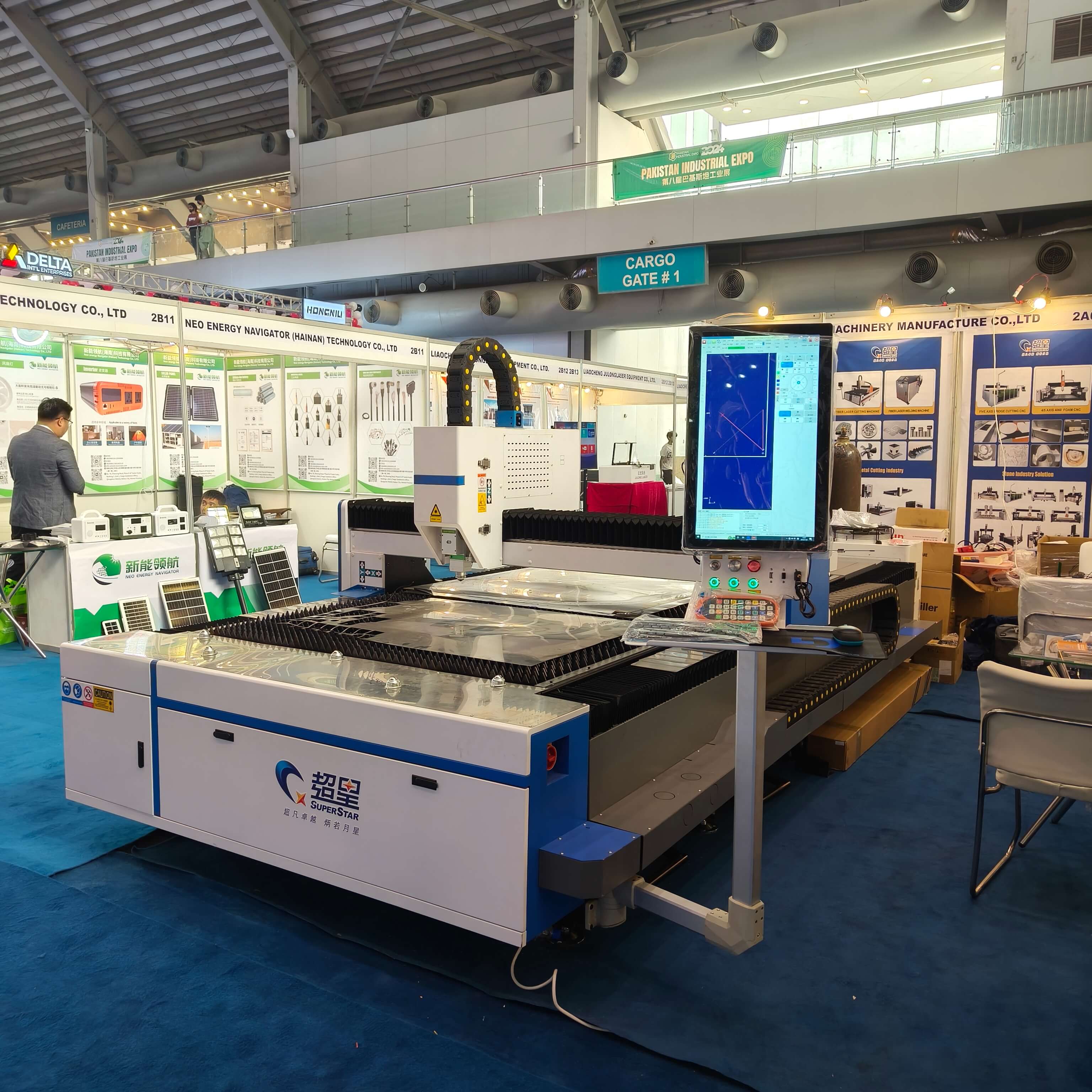
Fiber lasers are solid-state lasers with 1064nm near-infrared wavelength, optimized for metal marking.
Advantages
- Extremely fast and precise marking on steel, aluminum, brass, copper and coated plastics
- High energy efficiency, low maintenance, long service life
- Permanent, high-contrast marks on metals, resistant to wear
- Compact, stable, ideal for batch production
Disadvantages
- Poor performance on organic materials: wood, leather, clear acrylic will burn or melt unevenly
- Higher entry price than diode; low-power fiber models still cost more than hobby diodes
- Designed specifically for metal marking, cannot cut acrylic, wood or most craft materials
- Limited product range, restricted business opportunities if your work is not 100% metal
Best for: Metal branding, jewelry engraving, industrial part marking, hardware customization.
Quick Comparison Table
|
|
Diode Laser |
||
|
Core Materials |
Wood, leather, dark plastic, painted metal |
Wood, clear acrylic, glass, leather, stone |
Stainless steel, aluminum,brass, coated plastic |
|
Power Range |
5-20W |
40-150W |
20-100W+ |
|
Primary Work |
Light engraving, thin cuts |
Cutting + engraving non-metals |
Metal marking |
|
Price Tier |
Budget entry |
Mid-range |
Mid to high |
|
Maintenance |
Very low |
Medium (tube replacement) |
Low |
|
Business Flexibility |
Low, limited material options |
Highest, widest material compatibility |
Low, metal-only work |
Beginner Buying Checklist
1. List your main materials first. For wood, acrylic, leather, sign making and mixed crafts→CO2 laser engraver (recommended). If only metal marking: Fiber. Pure hobby simple engraving on tight budget: Diode.
2. Distinguish engraving vs cutting. Diode is mainly engraving; CO2 excels at cutting thick non-metals with clean edges, critical for sellable finished goods.
3. Check workspace: CO2 needs exhaust; enclosed models are recommended for eye safety.
4. Test samples before bulk orders. Send your material samples to the supplier for demo engraving and cutting.
5. Avoid the “one machine for everything” trap. While no laser handles all materials, CO2 covers 90% of common craft and sign projects for new business owners.
Final
- Hobby beginners with limited budget & only casual engraving → Diode Laser
- Most beginners starting a craft business, multi-material cutting & engraving → CO2 Laser (Our Top Pick)
- Metal marking, hardware, jewelry branding only → Fiber Laser